Meraki Dashboard Home Assistant Integration
Connect your Cisco Meraki Dashboard with Home Assistant to monitor your Meraki MT environmental sensors - all from your smart home automation platform.
Breaking change in v1.0.0
Version 1.0.0 is a major, breaking release. This integration now supports only Meraki MT environmental sensors — MR wireless access point, MS switch, and MV camera support has been removed entirely. Upgrading auto-migrates your configuration and removes any non-MT devices/entities, raising a repair notice in Settings → Repairs. See Getting Started for details.
What is this integration?
This custom integration provides real-time monitoring of your Cisco Meraki MT environmental sensors directly within Home Assistant. Monitor temperature, humidity, air quality, and device health across your entire Meraki organization.
Quickstart
Install through HACS, then add the integration:
- Open HACS, go to Integrations, click + Explore & Download Repositories, search for Meraki Dashboard and download it. Restart Home Assistant.
- Get an API key from the Meraki Dashboard — your profile, then API access.
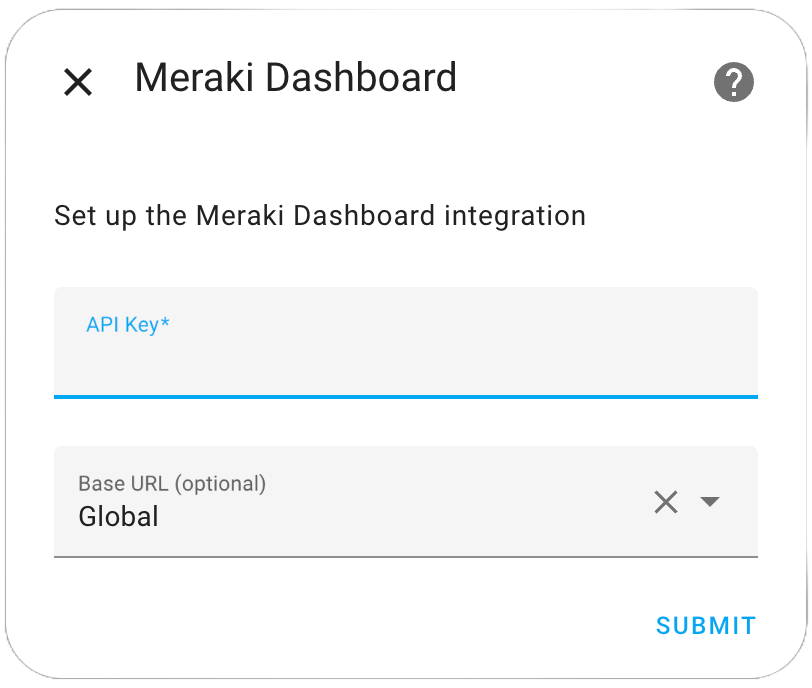
- In Home Assistant go to Settings → Devices & Services → Add Integration, search for Meraki Dashboard, and enter the API key.
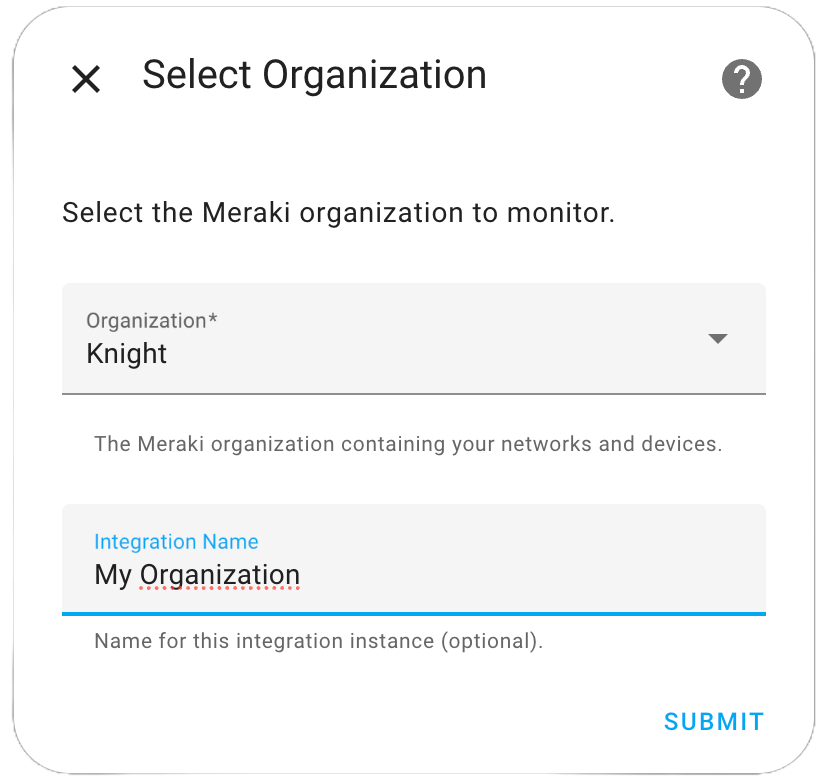
- Pick your organization, then optionally narrow to specific MT devices.
Requires Home Assistant 2024.1.0 or newer. As of v0.38.0 this integration is MT-sensor-only.
Key Features
- 🌡️ Environmental Monitoring: Track temperature, humidity, CO2, air quality, and more from MT sensors
- ⚡ Ultra-Fast Updates: 7.5-second refresh for MT15/MT40 devices with automatic refresh commands
- 🏢 Multi-Site Support: Automatically organizes devices by network and location
- ⏱️ Smart Polling: Device-specific update intervals optimized for MT sensors
Supported Devices
- MT Series: Environmental sensors (MT10, MT12, MT14, MT15, MT20, MT30, MT40)
Quick Start
Ready to get started? The setup process is simple:
- Install the integration via HACS (available in the default repository) or manually

- Configure your Meraki API key
- Select your organizations and devices
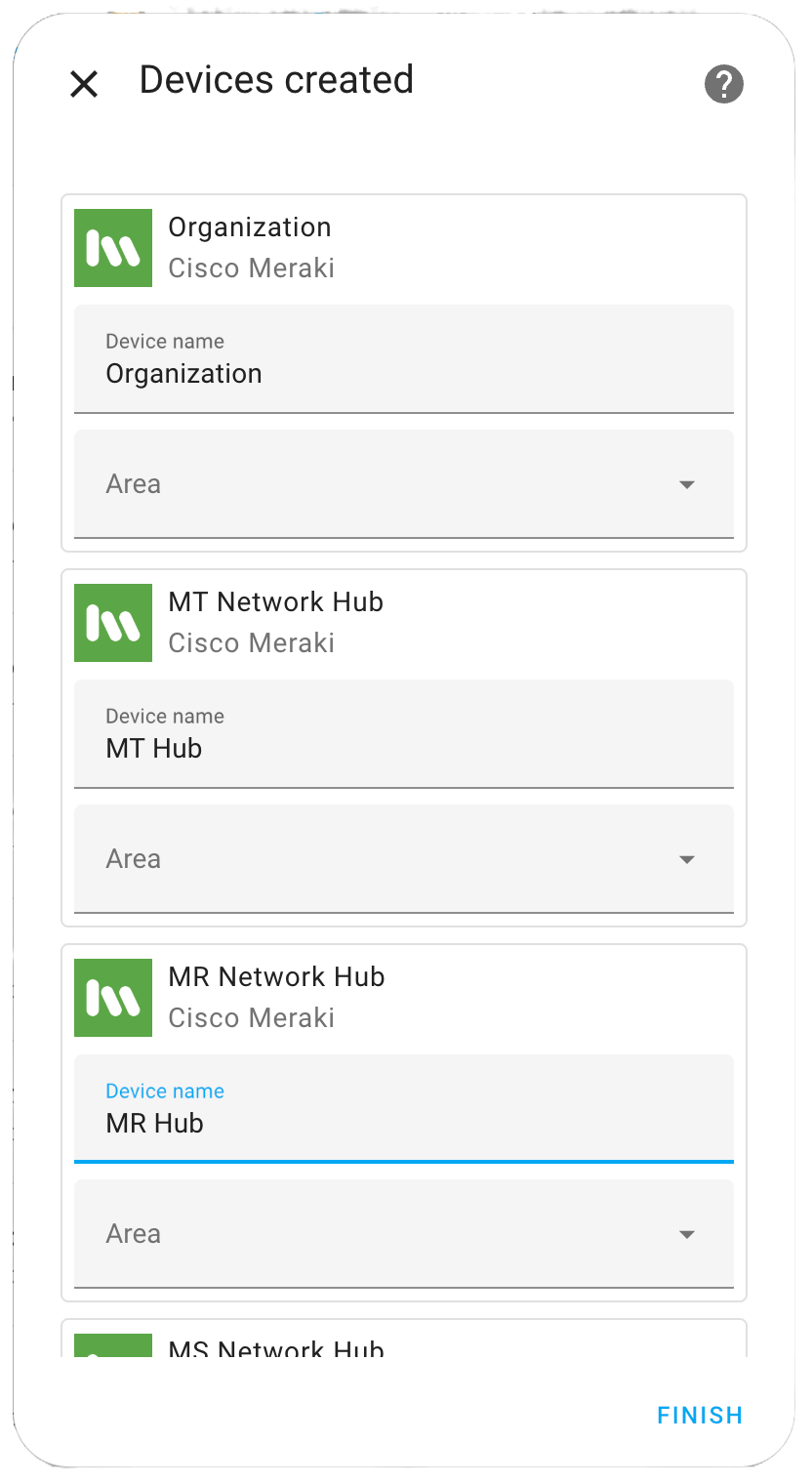
- Monitor your devices in Home Assistant