---
layout: default
title: Home
description: Connect your Cisco Meraki Dashboard with Home Assistant for comprehensive monitoring of Meraki MT environmental sensors
image: assets/social-card.png
---
# Meraki Dashboard Home Assistant Integration
Connect your Cisco Meraki Dashboard with Home Assistant to monitor your Meraki MT environmental
sensors - all from your smart home automation platform.
!!! warning "Breaking change in v1.0.0"
Version 1.0.0 is a **major, breaking release**. This integration now supports **only Meraki MT
environmental sensors** — MR wireless access point, MS switch, and MV camera support has been
**removed entirely**. Upgrading auto-migrates your configuration and removes any non-MT
devices/entities, raising a repair notice in Settings → Repairs. See
[Getting Started](getting-started.md) for details.
## What is this integration?
This custom integration provides real-time monitoring of your Cisco Meraki MT environmental
sensors directly within Home Assistant. Monitor temperature, humidity, air quality, and device
health across your entire Meraki organization.
## Quickstart
Install through HACS, then add the integration:
1. Open **HACS**, go to **Integrations**, click **+ Explore & Download
Repositories**, search for **Meraki Dashboard** and download it. Restart Home
Assistant.
2. Get an API key from the [Meraki Dashboard](https://dashboard.meraki.com) —
your profile, then **API access**.
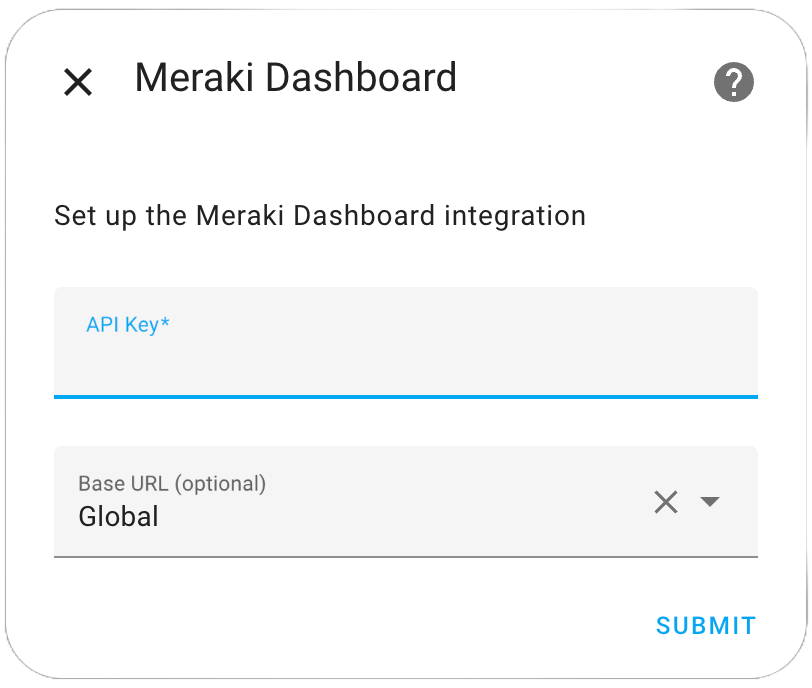
3. In Home Assistant go to **Settings → Devices & Services → Add Integration**,
search for **Meraki Dashboard**, and enter the API key.
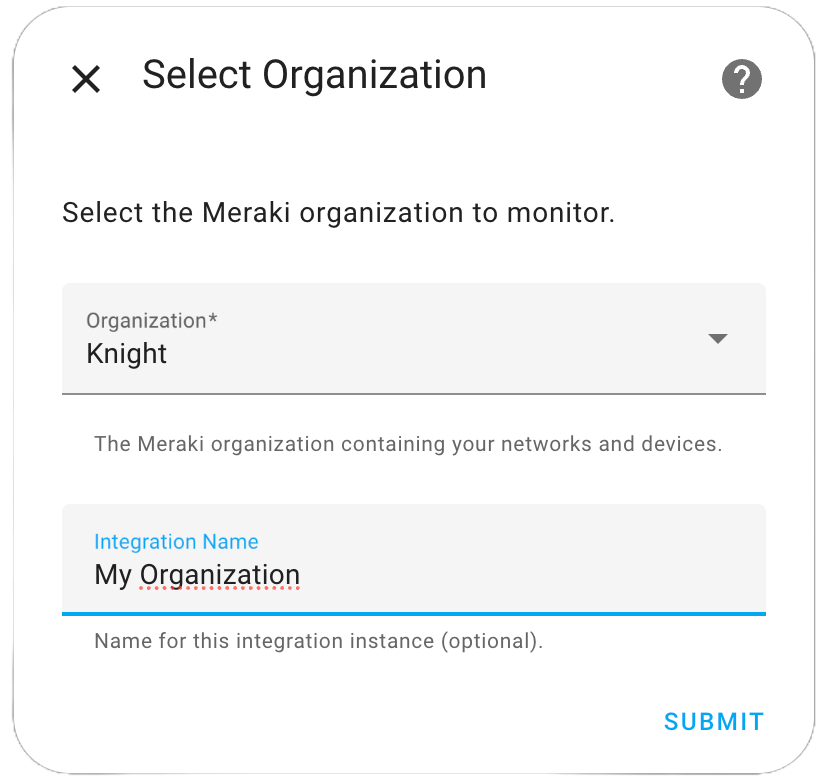
4. Pick your organization, then optionally narrow to specific MT devices.
Requires Home Assistant 2024.1.0 or newer. As of v0.38.0 this integration is
MT-sensor-only.
## Key Features
- **🌡️ Environmental Monitoring**: Track temperature, humidity, CO2, air quality, and more from MT sensors
- **⚡ Ultra-Fast Updates**: 7.5-second refresh for MT15/MT40 devices with automatic refresh commands
- **🏢 Multi-Site Support**: Automatically organizes devices by network and location
- **⏱️ Smart Polling**: Device-specific update intervals optimized for MT sensors
## Supported Devices
- **MT Series**: Environmental sensors (MT10, MT12, MT14, MT15, MT20, MT30, MT40)
## Quick Start
Ready to get started? The setup process is simple:
1. **Install** the integration via HACS (available in the default repository) or manually
[](https://my.home-assistant.io/redirect/hacs_repository/?owner=rknightion&repository=meraki-dashboard-ha&category=integration)
2. **Configure** your Meraki API key
3. **Select** your organizations and devices
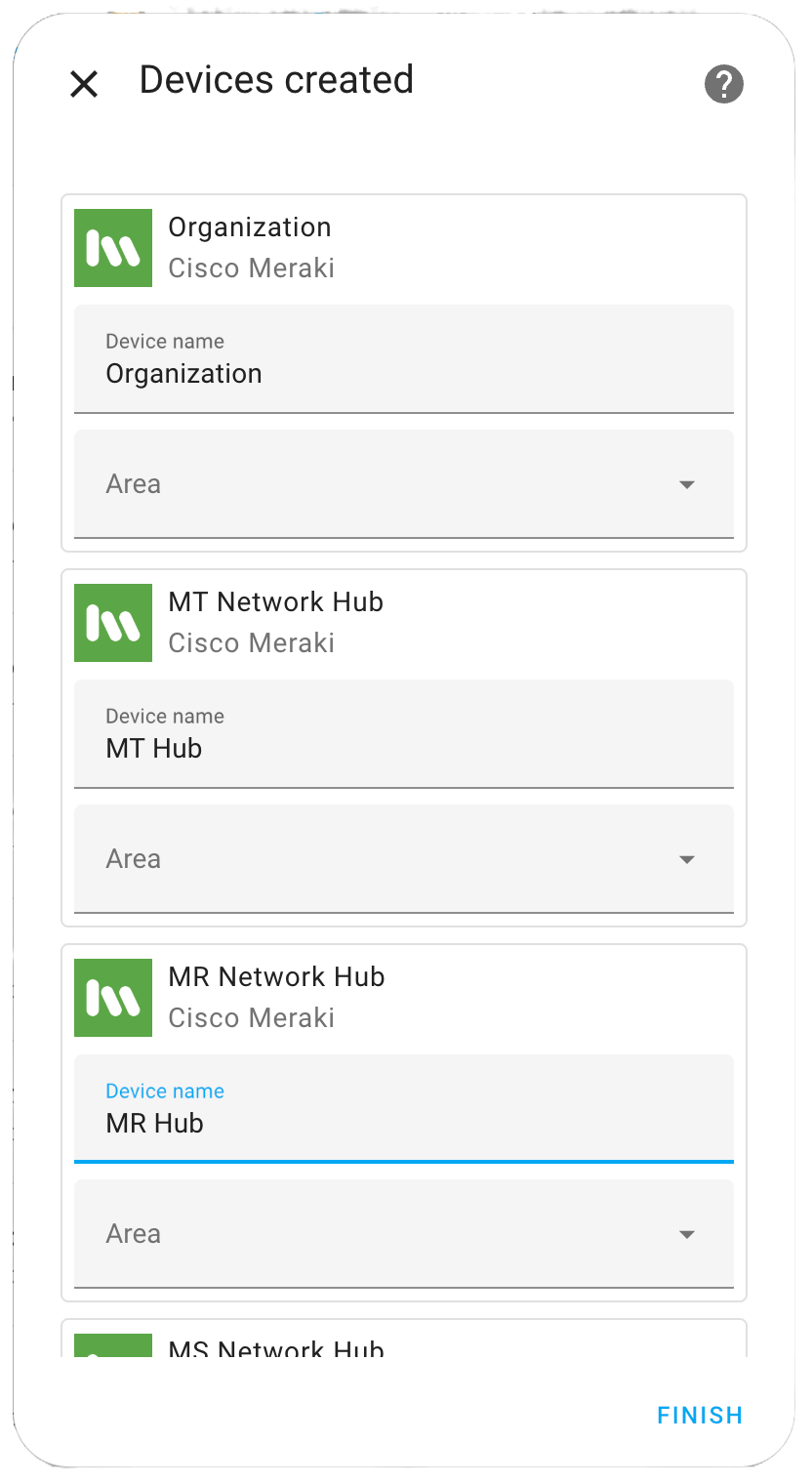
4. **Monitor** your devices in Home Assistant
 3. **Select** your organizations and devices
 4. **Monitor** your devices in Home Assistant
---
4. **Monitor** your devices in Home Assistant
---